Twitch Video Downloader
Twitch deletes your VODs in 14 days. Save streams, clips, and highlights as MP4 before they are gone forever.
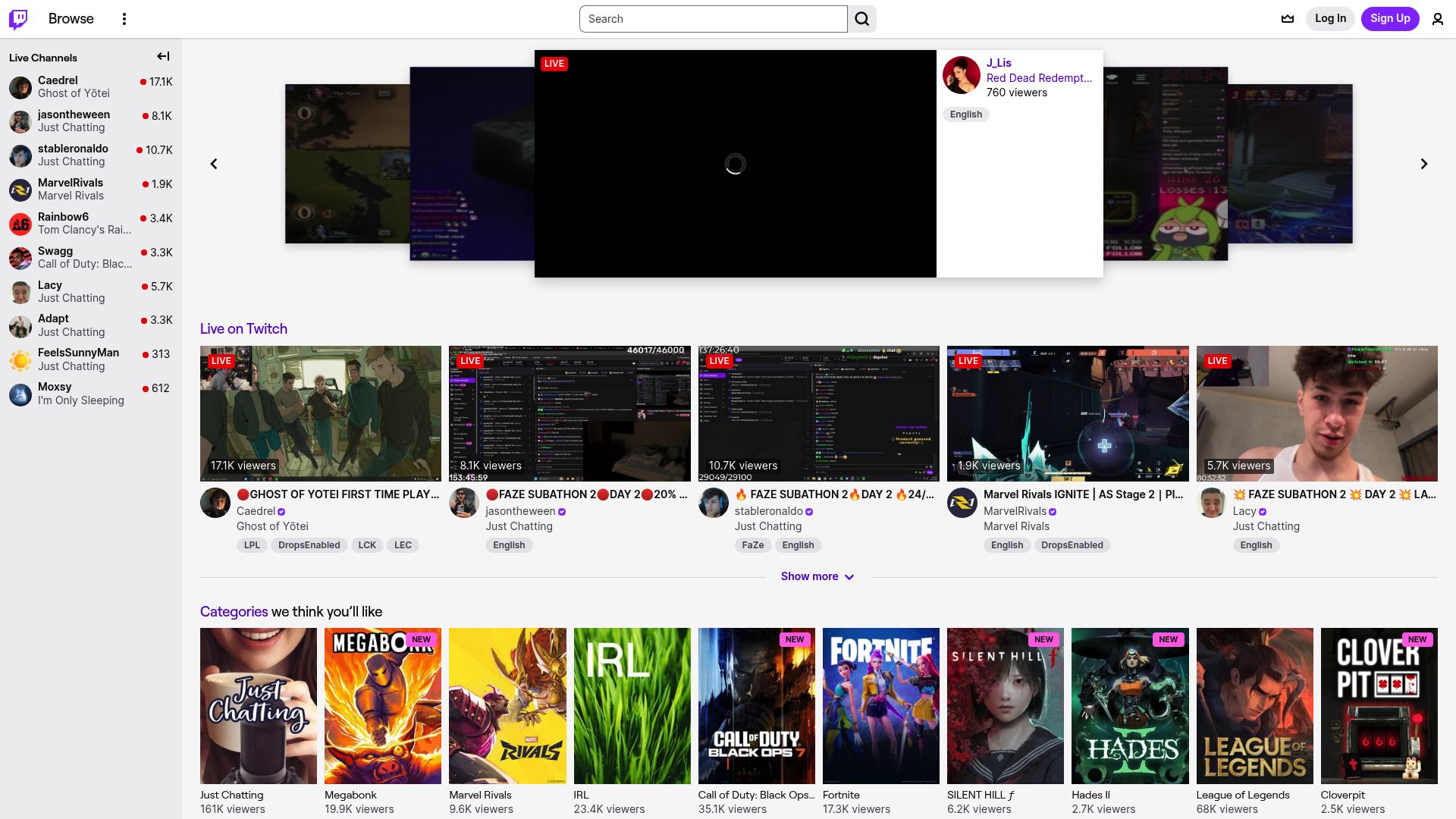
Overview
Twitch auto-deletes VODs after 14 days for most streamers and 60 days for partners. Clips get buried and lost. A streamer's greatest moment could be gone by next week with no way to get it back. This extension saves VODs, clips, and highlights as MP4 files at the original broadcast quality before Twitch wipes them.
Navigate to any VOD, clip, or highlight on Twitch and click download. The extension grabs the video at full source quality, matching the exact resolution and frame rate of the original broadcast. Marathon 8-hour streams download smoothly thanks to smart chunking that processes the video in pieces without crashing your browser. Batch download a streamer's full VOD library in one queue. Files automatically organize by channel name and broadcast date.
Whether you're a streamer backing up your own content, a viewer preserving favorite moments, or a creator collecting clips for compilations, everything downloads locally with nothing sent to outside servers. Try 3 free downloads to see it in action.
Why It Exists
- Archive your own Twitch broadcasts before the 14/60-day auto-deletion window
- Save VODs from streamers who do not enable permanent video storage
- Download clips and highlights for use in compilation or reaction content
- Preserve source-quality recordings of streams for portfolio or review purposes
Key Features
- Download Twitch VODs at source quality by capturing HLS stream segments
- Save clips and highlights at their native resolution and bitrate
- Batch download a streamer's entire VOD library before auto-deletion
- Intelligent chunking for multi-hour streams prevents memory issues
- Preserves chapter markers and stream metadata when available
- Choose between source quality, 720p, 480p, or audio-only downloads
- Organizes files by channel name, broadcast date, and stream title
- Resume interrupted downloads of long VODs without starting over
- Works on Chrome, Firefox, Edge, and Opera browsers
- Local-only processing with no stream data sent to external servers
How It Works
- Open a Twitch VOD or Clip: Navigate to any Twitch VOD, highlight, or clip page in your browser. The extension detects the video content automatically.
- Select Quality and Format: Choose from source quality, 720p, 480p, 360p, or audio-only. The extension shows all available resolution options for that specific VOD.
- Download with Smart Chunking: The extension captures HLS stream segments and reassembles them into a complete MP4 file. Intelligent chunking prevents memory issues on long VODs.
- Resume and Organize: Interrupted downloads can be resumed without starting over. Files organize by channel name and broadcast date with chapter markers preserved.
Reviews
- Saved 200+ hours of streams from auto-deletion (5/5): I stream 5 days a week and Twitch was deleting my VODs after 14 days. Now I batch download everything at source quality right after each stream. Already archived over 200 hours of content that would have been lost. - Kai Johansson
- Batch clip downloads are perfect for compilations (4.9/5): I make compilation videos from Twitch clips and needed an efficient way to download dozens of clips at once. The batch clip download works perfectly and the quality matches exactly what I see on the site. - Vanessa Torres-Ruiz
- Handled a 10-hour VOD download without breaking a sweat (4.8/5): Downloaded a 10-hour charity stream VOD without any issues. The chunking system handled it smoothly and I could pause and resume when needed. The file was exactly source quality at 1080p60. - Declan Murphy
Platform Support
Supported Browsers
- Google Chrome
- Mozilla Firefox
- Microsoft Edge
- Opera
Supported Operating Systems
- Windows 10/11
- macOS 11+
- Ubuntu / Debian / Fedora Linux
Supported Content
- VODs at source quality
- Clips at native resolution
- Highlights and reels
- Multi-hour stream recordings
- Audio-only downloads
- Channel batch downloads
Not Supported
- Live streams in progress (real-time capture)
- Subscriber-only VODs without subscription
- Twitch chat logs
- Twitch mobile app content
Privacy and Permissions
Supported regions: Worldwide.
Limitations:
- VODs must still be available on Twitch; cannot recover already-deleted content
- Subscriber-only VODs require an active subscription to that channel
- Does not capture live streams in real time; use for VODs, clips, and highlights only
- Chat logs are not downloaded alongside video content
- Very long VODs (10+ hours) may require significant disk space at source quality
- Twitch platform or HLS structure changes may temporarily affect functionality until an update is released
Permissions:
- activeTab: Required to detect Twitch VOD and clip pages and intercept HLS stream segment URLs on the currently active tab.
- downloads: Used to save reassembled video files directly to your local downloads directory.
- storage: Stores download queue state, quality preferences, and chunked download progress locally in the browser.
FAQ
Can I download a Twitch VOD before it gets auto-deleted?
Yes. Twitch deletes VODs after 14 days for regular streamers and 60 days for partners. The downloader captures the full VOD at source quality as long as it is still available on the Twitch website.
How does it handle very long streams like 8+ hour VODs?
The downloader uses intelligent chunking to process HLS stream segments without loading the entire video into memory. This means multi-hour VODs download reliably without crashing or running out of memory.
Can I choose the video quality?
Yes. You can select from source quality, 720p, 480p, 360p, or audio-only depending on what quality options Twitch has available for that VOD.
Does it download Twitch clips?
Yes. Individual clips download at their native resolution. You can also batch download all clips from a specific channel.
Can I download subscriber-only VODs?
The downloader accesses content that is available through Twitch's web interface. Subscriber-only VODs require an active subscription to that channel. It does not bypass subscription requirements.
Does it download chat logs alongside videos?
The current version focuses on video and audio content. Chat log archiving is handled separately through Twitch's data export tools.
Is this legal?
DISCLAIMER: We are not attorneys and do not offer legal advice. Laws vary by country and platform. For any legal question please consult a qualified legal professional.
We give you full control over download speeds because we believe users should decide how they use their software.
That said, here are a few widely accepted best practices for safe, responsible downloading:
-
Only download content you created, own, or have explicit permission from the rights holder to access.
-
Protect your personal data by respecting platform rules and rate limits with reasonable download speeds to avoid automated abuse systems putting your account at risk.
-
Protect your privacy by using a reputable VPN for IP protection before initiating downloads — this is the VPN we recommend & use.
Links
Related Entries
Cam4 shows disappear when they end. Record live streams and save recordings before they are gone, all privately on your device.
CamSoda recordings expire and shows end without a trace. Keep offline copies before they're lost.
Waxed is powered by Cams.com. Save live streams and recordings as MP4 files using the same downloader.